Your scenarios, your way.
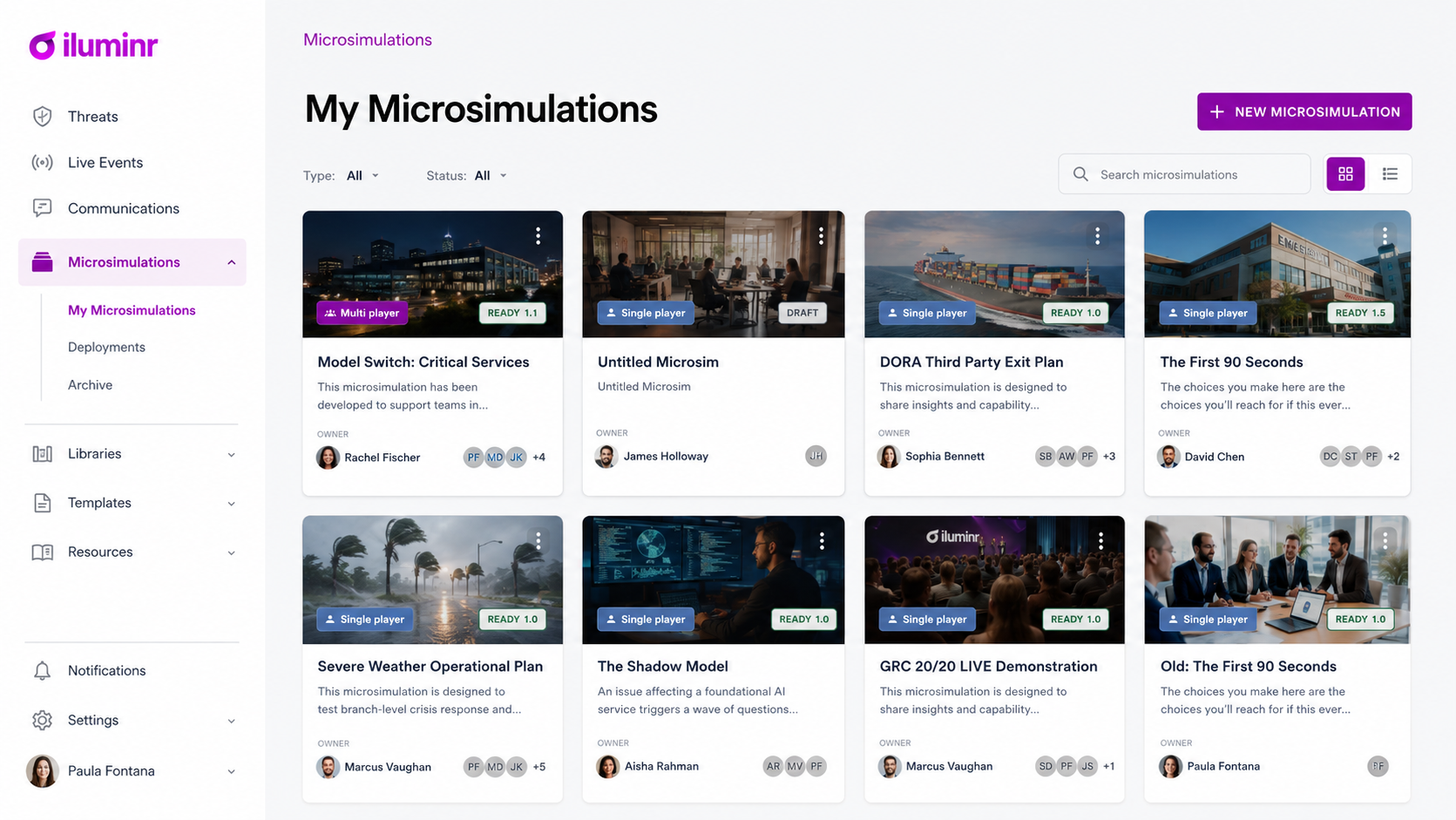
Start from a template, make it yours in minutes, or build something entirely new. Every simulation, however you create it, runs on the same platform and feeds the same Capability Intelligence.
Four ways to create a simulation
Run a template as is
Start from the Simulation Template Library. Every template is ready to launch, with injects, objectives and debrief built in.
Customize a template
Adapt any template to your organization: roles, plans, critical services, terminology, regulators and branding. Most teams start here.
Build from scratch
Use the iluminr builder to design your own scenario, with your own injects, objectives, information board and task board.
Have our experts build it
Our team designs a bespoke simulation with you, from scenario research to facilitation and the debrief.
What you can customize
Many teams run mostly off-the-shelf content with a layer of customization on top. You change what makes it yours and keep everything that already works.
- Roles and owners
- Name the teams, roles and deputies who respond, so people practice their actual responsibilities.
- Plans and playbooks
- Point tasks at your own response plans, so the exercise tests what you would really do.
- Critical services
- Swap in the services and impact tolerances that matter to your organization.
- Injects
- Edit or add video, email and news injects to match your threats and your world.
- Objectives and scoring
- Set the learning objectives and what good looks like for each decision.
- Language and region
- Localize terminology, regulators and language, for example US or UK English, or Italian.
How easy is it?
- 1Pick a templateBrowse by regulation, capability or audience.
- 2Tailor itEdit roles, plans, services and injects in the builder.
- 3LaunchRun it as a Microsimulation, a full-scale simulation or with our experts.
- 4MeasureEvery decision feeds Capability Intelligence, so you can see progress over time.
Have a scenario in mind?
Tell us what your team needs to practice. We'll show you how to build it, or build it with you.